What should support coordinators look for in NDIS software?
Support coordinators spend as much time on admin as they do on coordination. The right NDIS software should take participant records, case notes, service agreements and compliant invoicing off your plate - so you can spend more time with participants.
Whether you're a solo support coordinator or part of a provider team, this guide covers what to look for and how Billability helps you get it done.
Try Billability FreeSupport coordination comes with a lot of admin
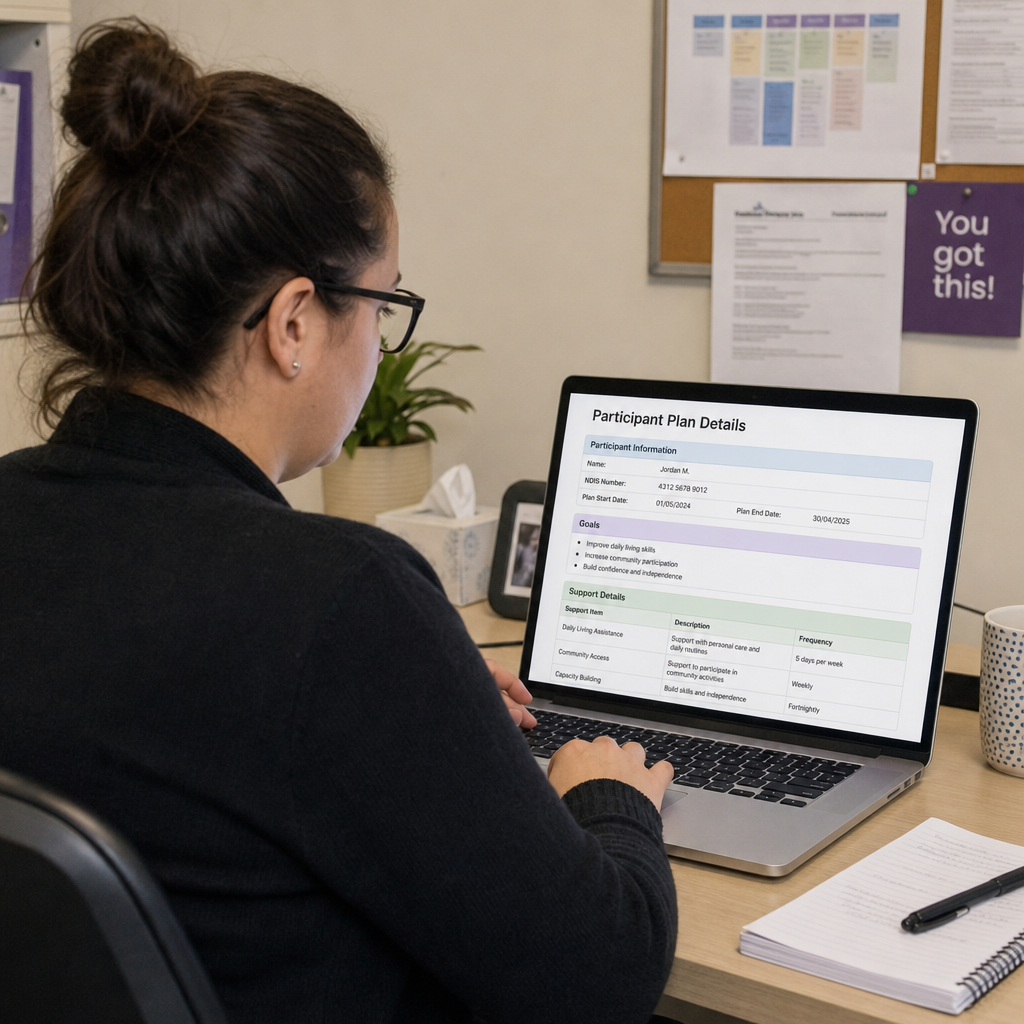
Behind every participant is a trail of paperwork: contact details, case notes, service agreements, and NDIS-compliant invoices. Get any of it wrong and it means rejected claims, delayed payments, and hours chasing corrections.
The right software turns those separate tasks into one connected workflow. Instead of juggling spreadsheets, documents and email, coordinators can keep participant records, write notes, issue agreements and bill the NDIS from a single place.
The goal is simple: less time on admin, more time coordinating support.
What to look for in NDIS software for support coordination
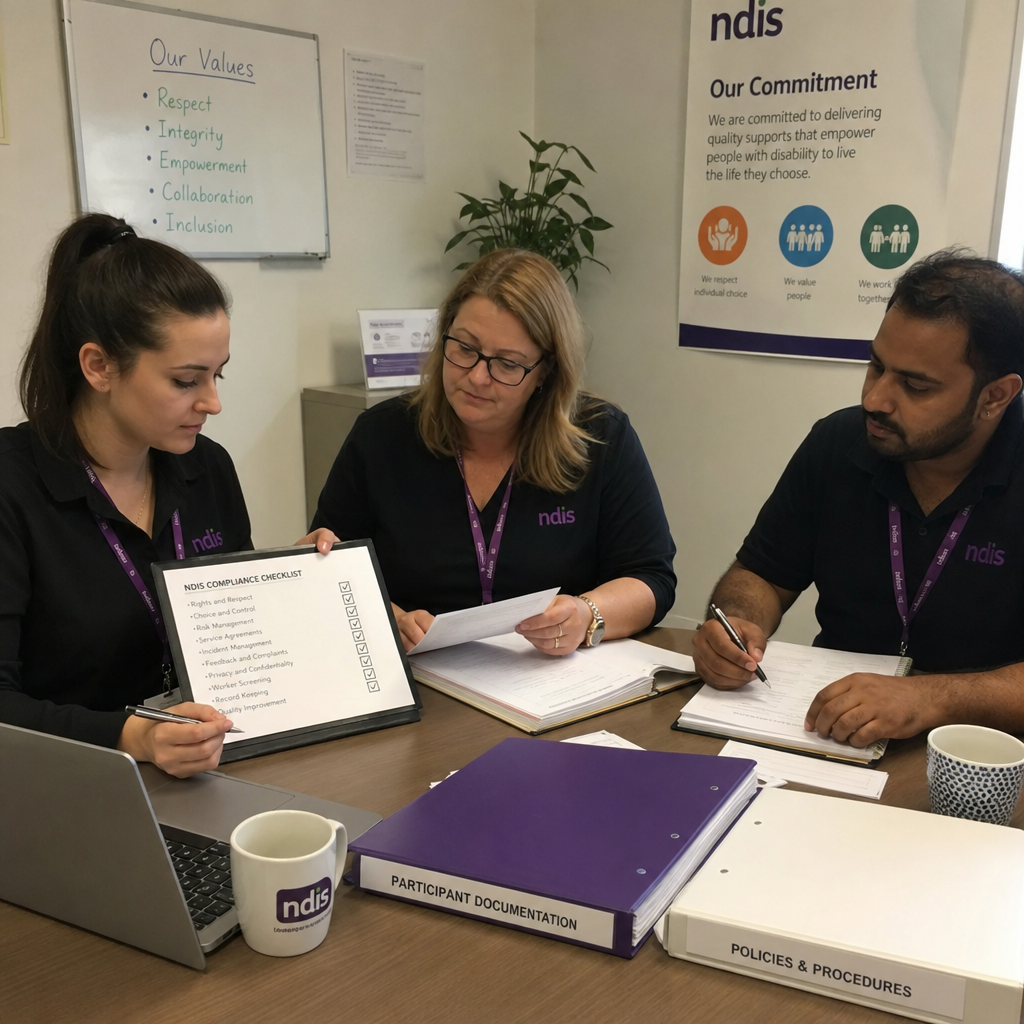
These are the admin features that matter most when you're comparing options:
Participant records
Keep participant details, contacts and support history organised in one place.
Case notes
Log dated, pinnable notes against each participant so nothing gets lost.
Service agreements
Create agreements with supports, dates and allocated amounts, ready for digital signing.
NDIS pricing guide
Choose the right support item and Billability applies the current price limit for you.
Compliant invoicing
Generate NDIS-compliant tax invoices and email them straight to participants or plan managers.
Payment tracking
Mark invoices paid or partially paid and see outstanding amounts at a glance.
Teams and permissions
Add team members and control what each person can see and do.
Reports and import
Pull reports and import your existing participants and invoices via CSV.
Service agreements with e-signature
Service agreements set out what supports you'll deliver and how much is allocated. Billability lets you create an agreement for each participant with a reference number, dates, the supports you're providing, and the total allocated amount.
Once it's ready, send it for digital signature. You can track whether an agreement is active, signed or declined - so you always know exactly where you stand.
NDIS pricing guide and compliant invoicing
Billing the NDIS correctly comes down to choosing the right support item and staying within its price limit. Billability includes the NDIS pricing guide built in, so you can search for the support item you need and the correct rate is applied automatically.
That means fewer rejected claims and less time fixing invoices. Every invoice is formatted as a compliant tax invoice and can be emailed directly to the participant or their plan manager.
Invoicing, payments and reminders
Creating the invoice is only half the job. Billability tracks what's been paid, what's still outstanding, and sends reminders so invoices don't get forgotten.
Mark invoices as fully or partially paid, see a live paid-versus-outstanding view on your dashboard, and follow up confidently without chasing through old emails.
Teams, permissions and reports
If you work with other coordinators or admin staff, Billability lets you add team members and set permissions, so each person only sees the participants they're responsible for.
When you need oversight, reports give you a clear view of invoices, payments, service agreements and participant activity. CSV import brings your existing participants and invoices across when you move, so you can get started without re-entering everything.
How to choose NDIS software
When you're comparing options, keep the focus on the admin work you actually do every day.
| What you need | What to look for | Why it matters |
|---|---|---|
| Participant records | Clear profiles, case notes, support history | Keeps every participant's details in one place |
| Service agreements | Supports, dates, allocated amounts, e-signature | Makes agreements clear and trackable |
| NDIS invoicing | Support items with correct price limits | Reduces rejected claims and rework |
| Payments and reminders | Paid and outstanding tracking, reminders | Helps you get paid and follow up faster |
| Team access | User accounts and permissions | Keeps work organised as your team grows |
| Reporting | Practical reports and CSV import | Gives you oversight and a clean start |
Questions to ask before you choose
Before committing, ask questions that show how the software handles real, everyday admin:
- How easy is it to keep participant records and case notes together?
- Can I create a service agreement and send it for digital signature?
- Does the software include the NDIS pricing guide and apply price limits automatically?
- Can I email compliant invoices to participants and plan managers?
- How does it track paid and outstanding invoices?
- Can I add team members and control their permissions?
- Can I import my existing participants and invoices?
- How long does onboarding usually take?
- What support is available after I sign up?
The right choice clears the admin
The best NDIS software for support coordination is the one that removes the repetitive admin - records, notes, agreements and invoices - so you can focus on your participants. Look for software that fits the way you work now and helps your team stay consistent as you grow.
If it saves you time, keeps your records tidy and helps you get paid faster, it's doing its job.
Need a hand getting started?
If you have any questions, our Australian support team is always happy to help. We're real people based in Australia who understand support coordination and NDIS providers.
Contact support →